How to Use AI for Garden Planning
I don’t know if you’ve gone down the bunny hole with AI yet…but I truly needed inspiration for a backyard garden planning update. If you’ve followed along you’ve seen my 8′ tall zinnia bed that sometimes I plant and other years they have self seeded. I’m a fan of a perennial garden since they return every year and bring me joy. There have been so many configurations of this tiny rectangle of a space between a picket fence, screened porch and two sidewalks that I have been exhausted with each redo. It’s been sketched by my friend, Ro, a master gardener…landscaped by a landscape architect…and nothing ever seemed to stick. Hence, the AI tool for garden planning.
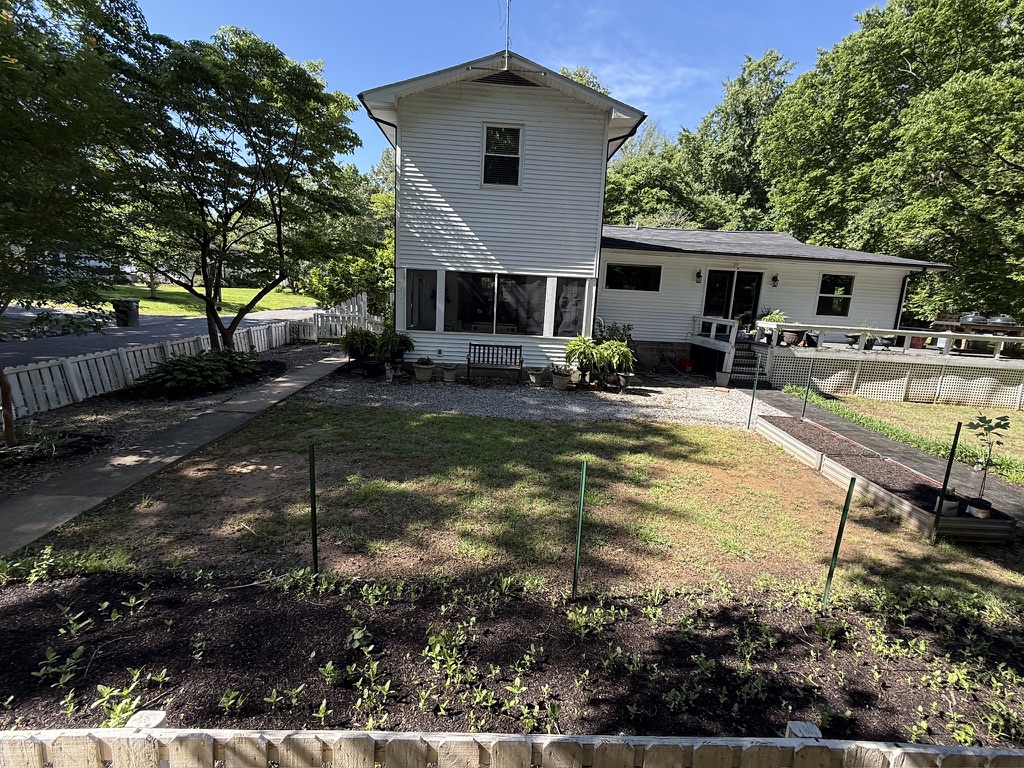
With the expanse of ugly gravel and the grass less than beautiful in this area, and 2 tired raised beds, I needed ideas for improvement.
You have probably seen all of the use for interior updates with AI…why not use AI for garden planning and inspiration?
That’s where I started.
How to begin with AI for Garden Planning?
Well, if you use a FREE version of Google Gemini and/or ChatGPT, you get a limited number of responses for each in a 24 hour period.
NOTE: Photo credit of simulated photos in this post were created by Google Gemini.
So…here are the tips on how to use AI for garden planning that I found useful.
1. First, take photos of the area in it’s current state from different angles.
The photos are a great starting point for the program to modify. Have them ready to upload. I did find that only uploading ONE photo at a time worked best.
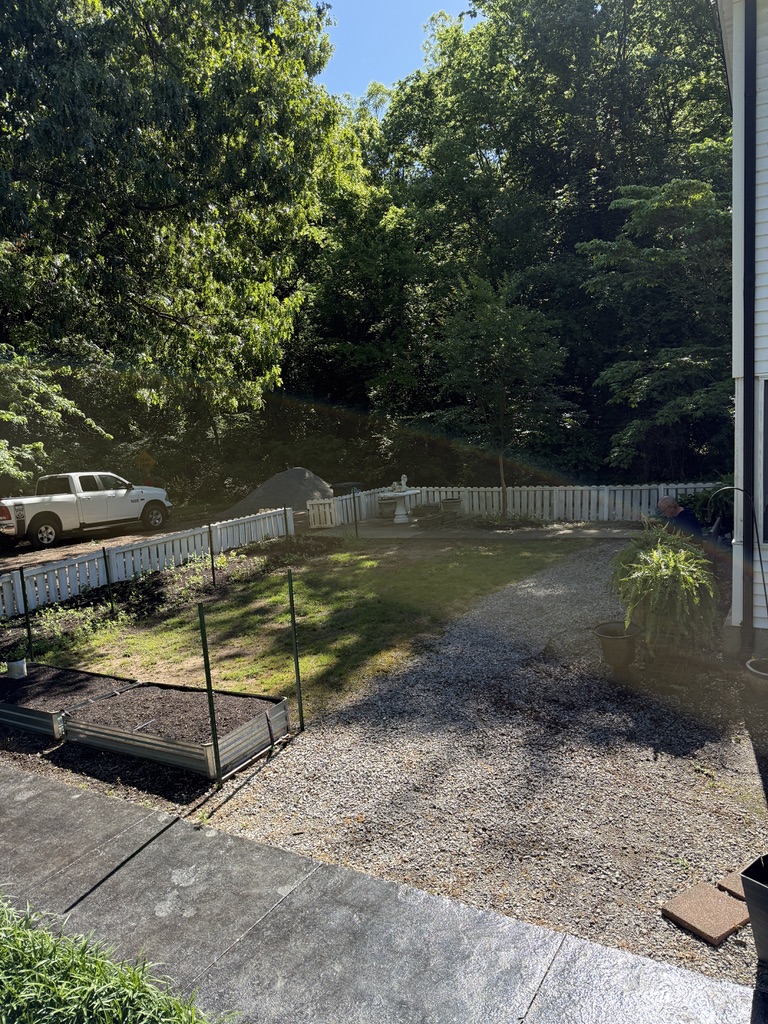
Specific details that you want AI to know about your photo are helpful. I let the program know that there were zinnias that will grow to 8′ along the picket fence; that the concrete table on the patio would stay in place, etc.
Even sunlight and shade information is helpful for plant and landscaping suggestions.
2. Curate prompts.
Since a free AI version gives you a limited number of responses in a 24 hour period, be careful on how you curate the prompts.
First, carefully give the plan guidance…some of my wording was:
- low maintenance
- amount of sun/shade per day
- perennials- you can even ask for names
- cottage garden
- keeping the raised beds
- 8′ tall zinnias along the picket fence by the driveway
- using fine white limestone gravel and mulch
- meandering sidewalk between two sidewalks
- deer safe
Next, upload your photo with the prompt to save versions.
Ask AI to use the photo and prompts to give you a visual photo and information.
CHAT/GPT actually gave me plants labeled and a list which was helpful. If you want that you might actually ask that with your prompts.
In my opinion, Google Gemini did a better job of photo creations. If you are like me, visual photos are a must. Don’t forget to ask for photos in your prompts.
3. Revise.
Look carefully at the photo and information it gives you for revision. Often, unless you give specific dimensions of the area, the photo may be out of proportion; it may interpret things incorrectly–it thought my swan concrete planter on a concrete table was a birdbath and wanted to move it around the yard.
When I gave it a second photo it seemed to think we needed a sidewalk from the bench to nowhere and not centered….a seating area that wouldn’t fit…and styles of pots that I would never choose.
If you don’t give it a style? It may go way out of the style you love.
4. Save results.
When you find a photo you like…even if only a portion of it, save it to your photos, print it out and that way you can determine which parts to use and which to toss.
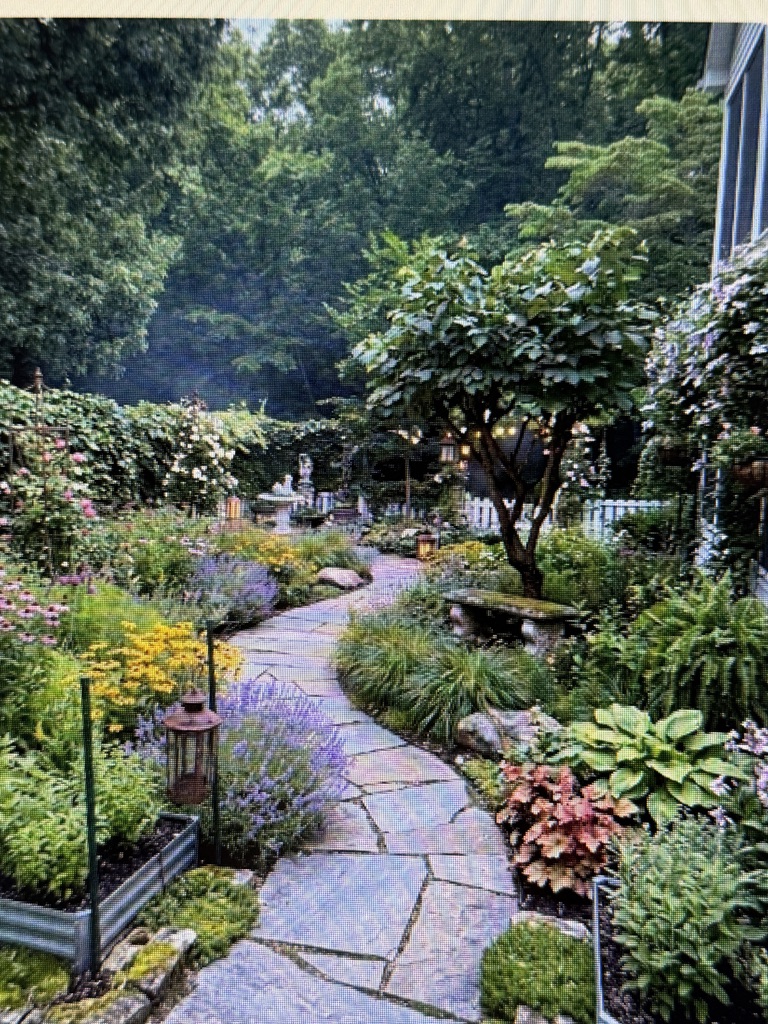
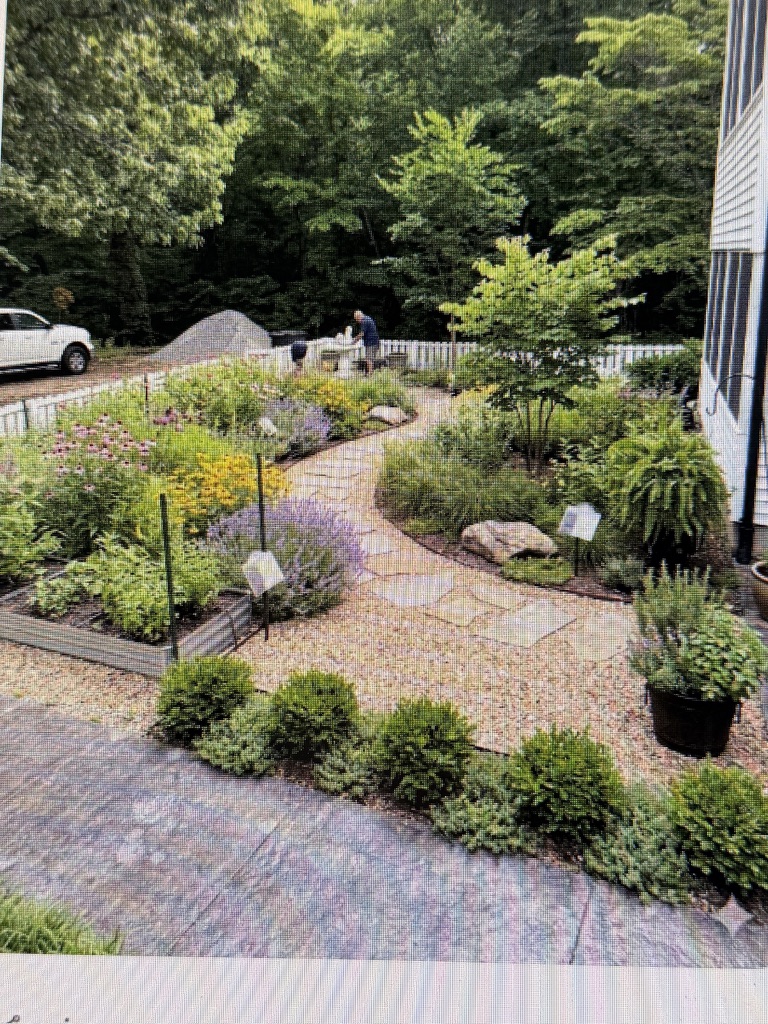
This was a design using a “secret garden” theme. We actually love seeing over the picket fence to watch wildlife and the driveway. Isn’t the meandering path delightful? It saved the raised beds, switched out seating, and added a tree that gave inspiration.
This photo was from the second uploaded photo and we loved the less maintenance, perennials, and meandering walkway. And guess what?
NOTE: A photo will sometimes highlight areas that need a bit of update, too. Plans for pressure washing, painting and changing out lattice were already happening…so you will likely see an update for those areas, too.
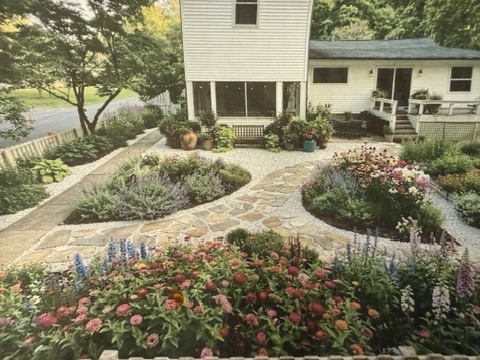
The beds are great in this one, so we took this as our inspiration.
- Centered bench under screened porch windows made us center the walkways from this photo;
- Two perennial beds;
- Small limestone gravel to “freshen” rock for pathways and cover areas of old rock we didn’t like;
- Plant inspiration.
Again, there is not enough space for seating to the left of the deck steps. So we deleted the table set there.
The difficult thing with this backyard is the amount of larger rock that was put in as landscaping before we bought the house years ago. Some areas under hostas and around trees and side beds have had mulch added and it’s held; other areas? the mulch has washed away in a few months leaving the rocks in sight again. If you have that issue in your landscape, select a different rock that you are happier with for a refresh, cover, and don’t fight the battle like we have.
5. Set your plan into place.
Begin by adapting the plan you like best and measuring different areas to center, arrange, and implement areas to create the perfect AI inspired garden plan.
- Use a measuring tape and rope or garden hose (for circular movement for beds, etc.) to create areas…measuring and laying the rope or hose for the design you love.
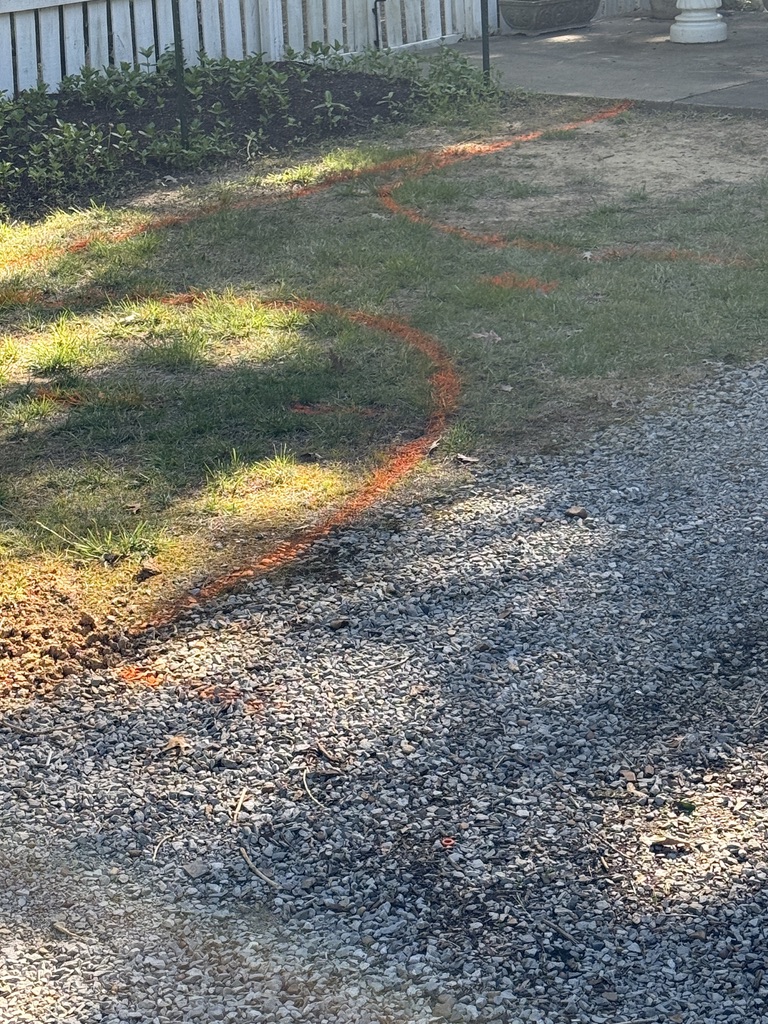
- When happy with the design, use orange spray paint to paint the dimension onto the area – for beds, sidewalks, etc.
- If there are areas that need separation, find a great way to edge: bricks, pavers, edging to match your design.
- Select materials for walkways, seating areas, dining areas, plants, arbors, planters, lighting, and ground cover that complete your plan.
- Look for landscapers to implement the plan if you aren’t doing some or all of the work yourself.
- If doing any of the implementation, select tools that work best for creating the plan–we rented a skid steer to move gravel and mulch; a rear tine tiller for mulching soil into garden beds; and an edger to help with inserting edging. Shovels, rakes, gloves, and hand tools are great if doing it yourself.
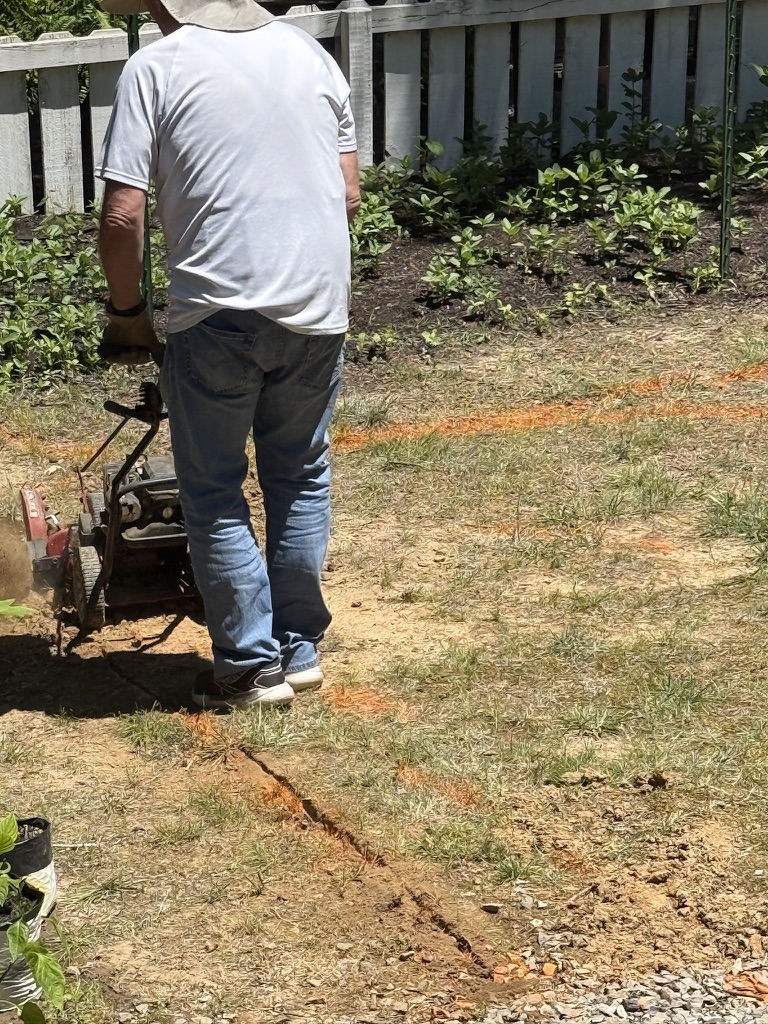
Putting the AI Inspired Garden Plan into action.
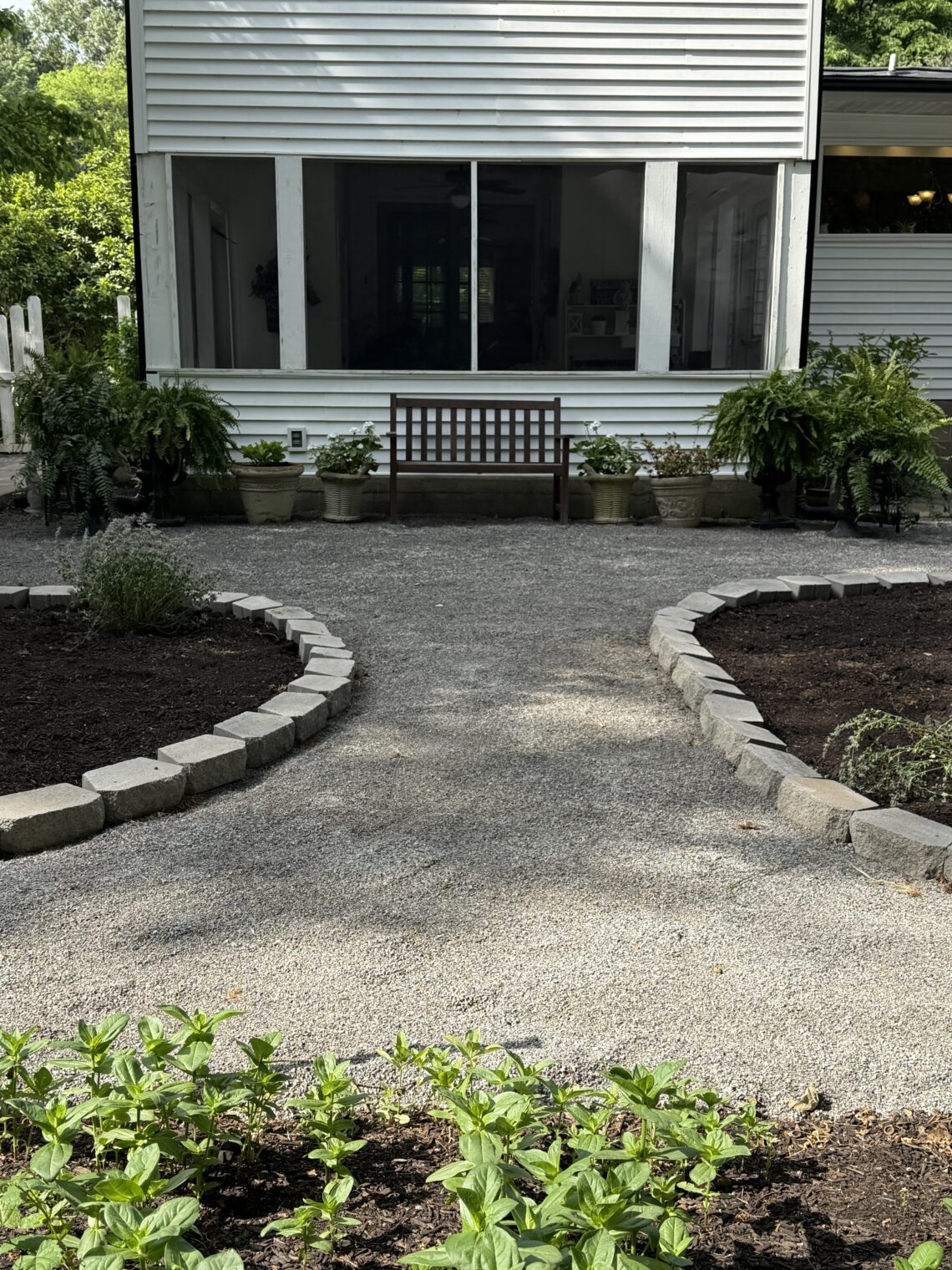
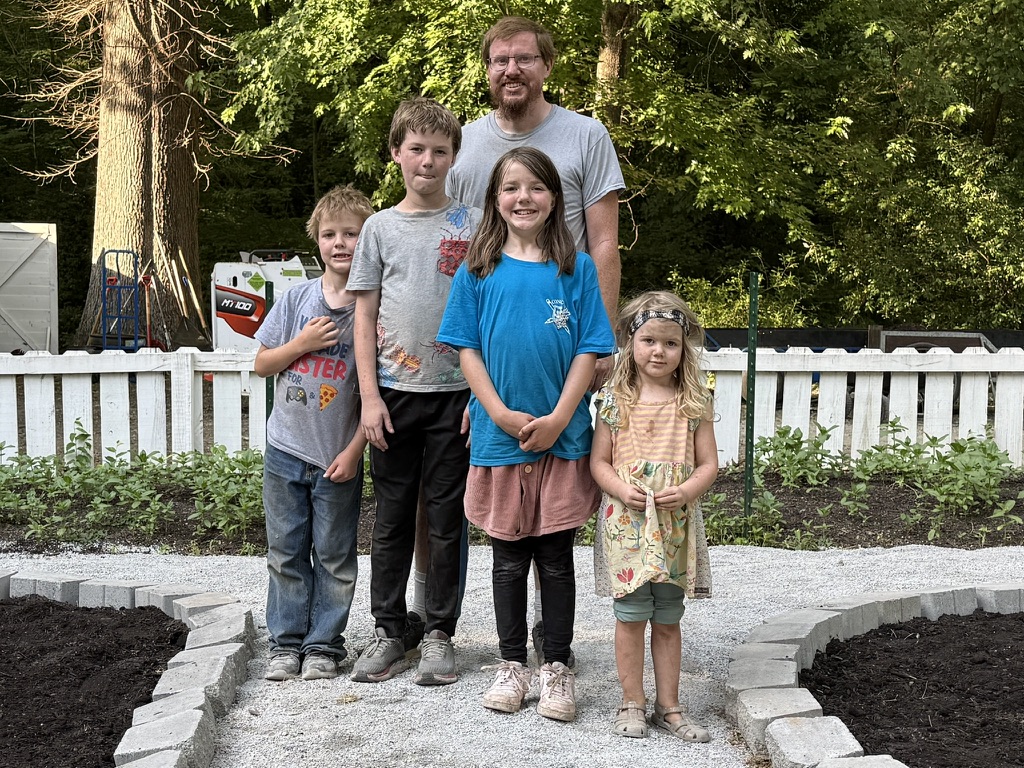
A Skid Steer was rented. Mulch, gravel, and edging purchased. Friends joined in the fun. Can I tell you that I thought I would be entertaining kids…nope! They ALL were extremely hard workers for 8 hours. Needless to say, we had to reward their excellent labor. Workers aged 11, 9, 7 and 4 (plus their Dad) all pulled their weight.
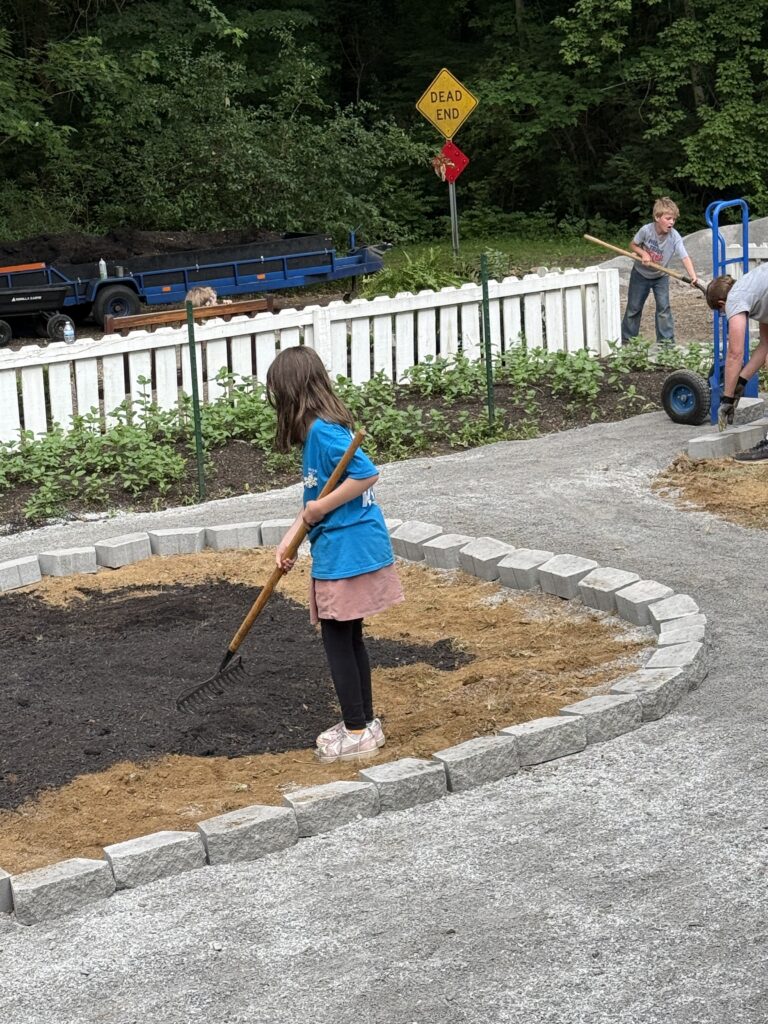
We now have new workers that LOVE helping spread mulch, set edging, and level gravel. Who knew?
What do you think?
Didn’t they do a great job?
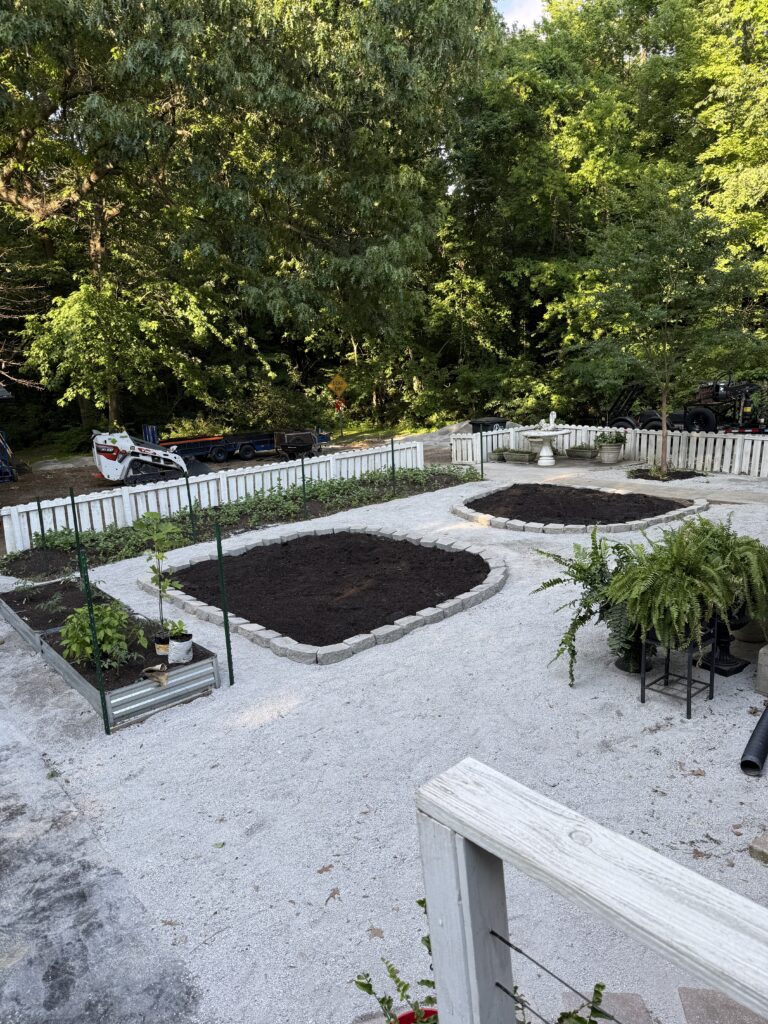
So how to finish that garden plan?
On to perennials and plants to fill the beds. About 5 more edging stones to complete the beds.
Can I tell you that there’s something wonderful about getting perennials from family and friends? My friend, Kim, at Cottage in the Mitten, also shared about how wonderful it is to received perennials from friends. You can read her story here.
So many perennials were gifted by Aunt Helen years ago. Hostas, Iris and peonies are my favorite reminders of her.

Gifts from her garden after we first moved in.
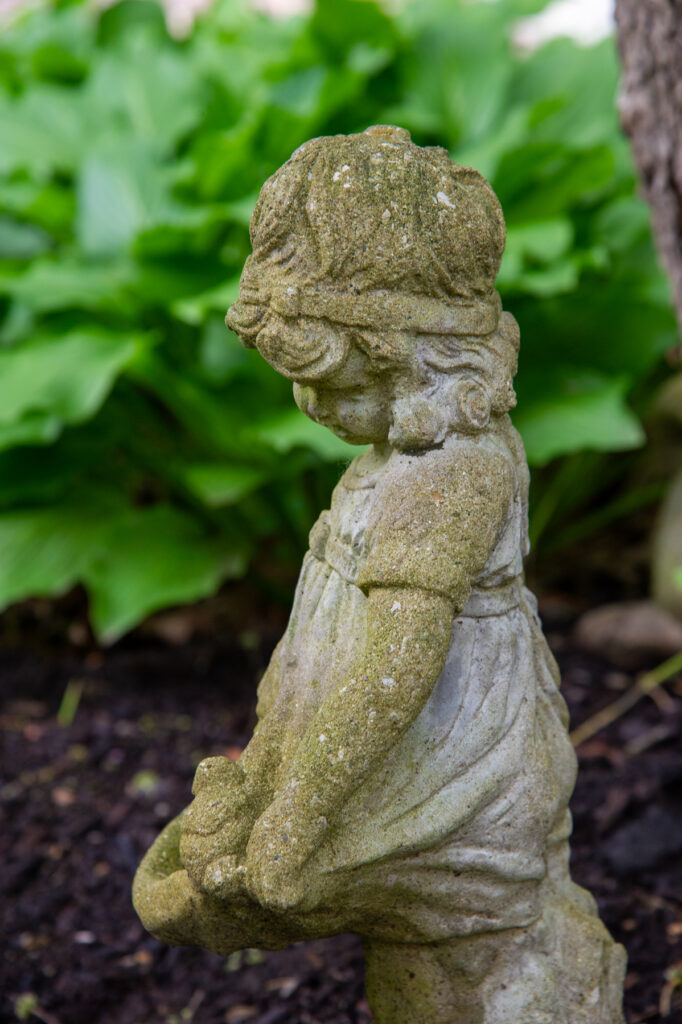
So the beginning of additions to these new beds were gifts.
My niece, Emi, arrived with perennials divided from her garden. Lambs ear, coneflower, catmint and more were planted by her. She warned me that they would not be happy for a few days…poor little lamb’s ear…
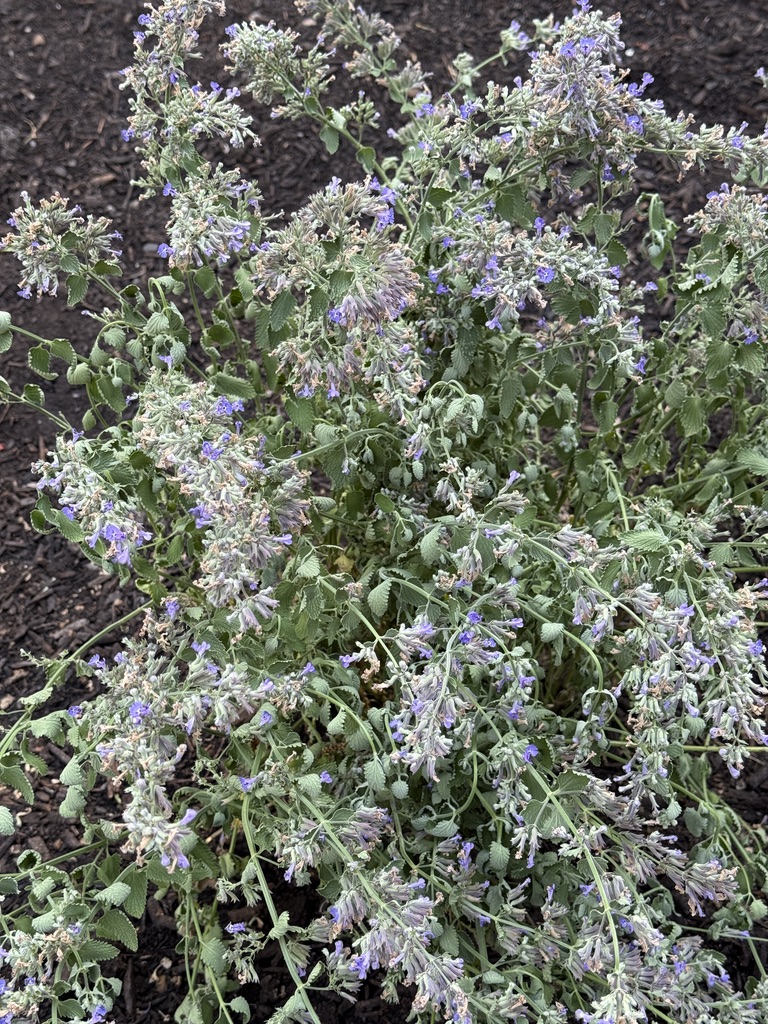
White lilac gifted to me from her Michigan trip will be tucked in soon…along with more.
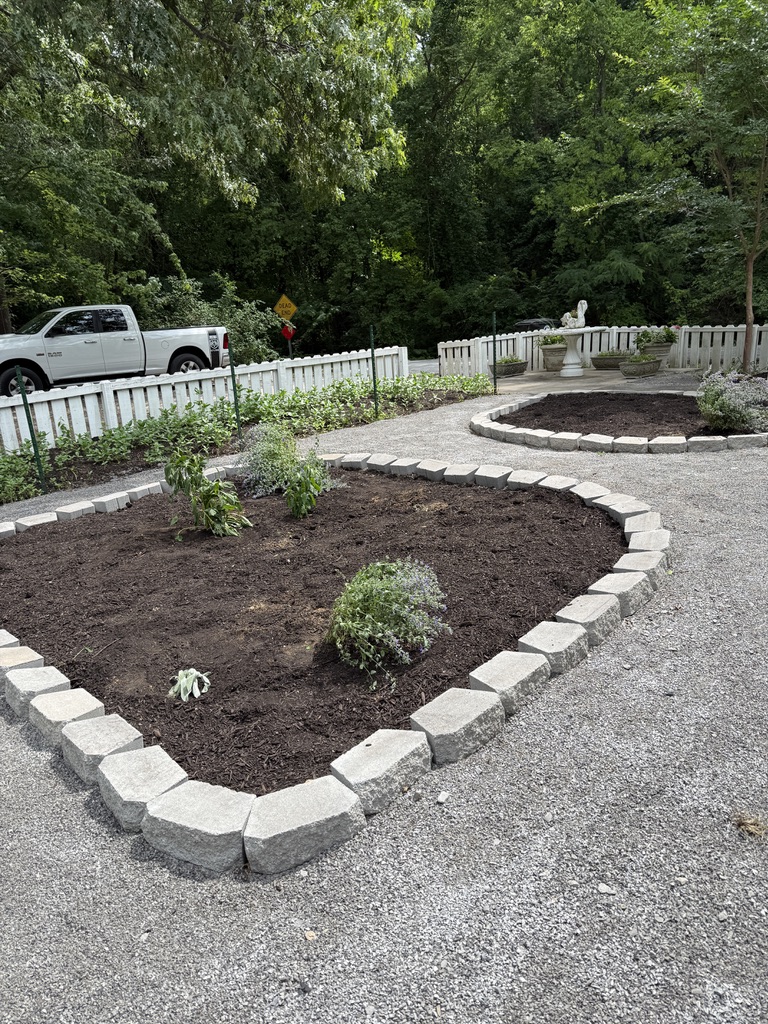
A variety of pink, yellow, purple, lilac, and white so far will be more glorious next year as they root in and settle into their new bed.
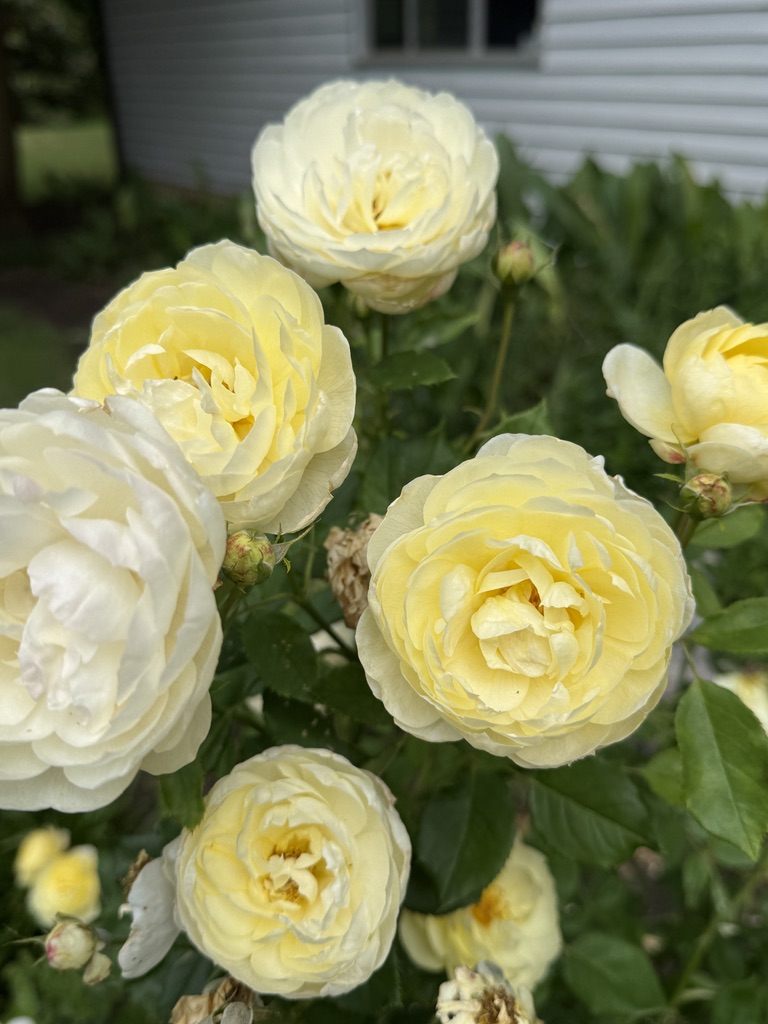
Emi gifted me this beautiful David Austin Vanessa rose a few years ago and it is simply stunning all summer long. She is a gifted gardener.
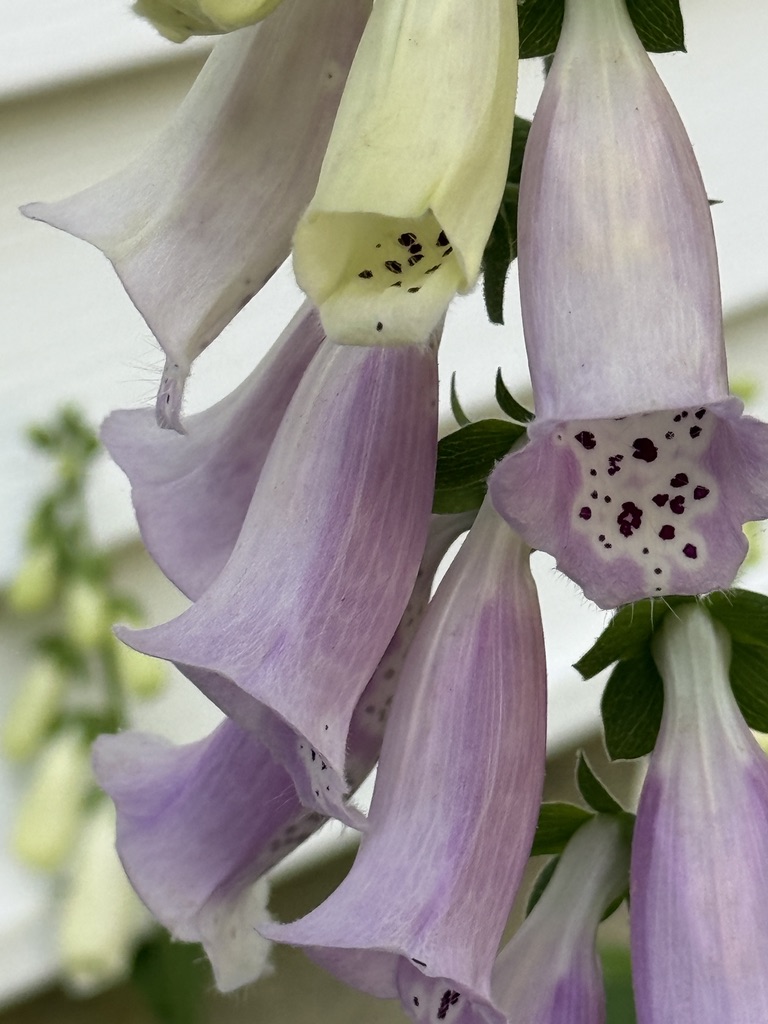
My friend, Wade, with an amazing green thumb, has gifted me roses, foxglove and more. They are treasured.
So looking forward to the bouquets that the summer will bring.
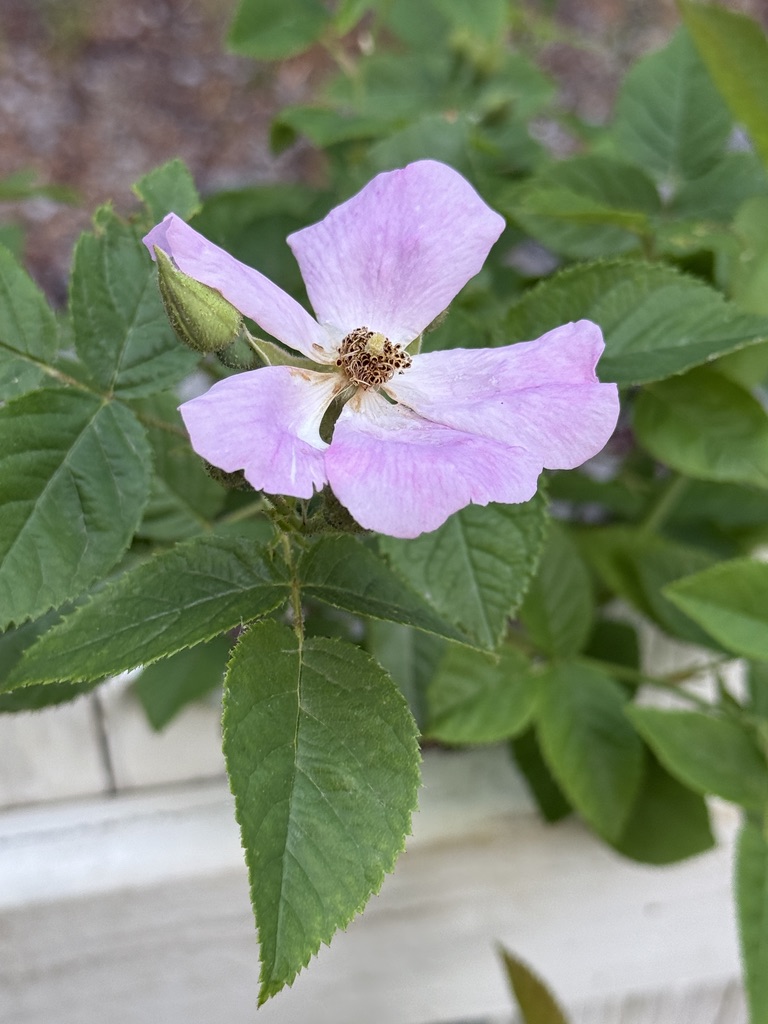
But, my favorite? Enjoying the blooming and rewards that perennials bring every year. Savings for the garden budget for following years. I’ll take that.
THANK YOU Fix family! You truly worked your magic with us on this project! Oh, my goodness…for littles to say they LOVED helping…even the 4 year old? It adds the perfect touch to the finished look.
Keep watching for the finished plant beds…and I’ll be sharing as I continue to fill in and complete the cottage garden.
Most of all? Enjoy the inspiration that AI provides for garden planning.
Take time to consider which perennials to group into sun and watering areas. Determine height, size and plants that work well together.
And you know what? If you don’t actually put the plan into action? It’s still fun to see what inspiration you can create.
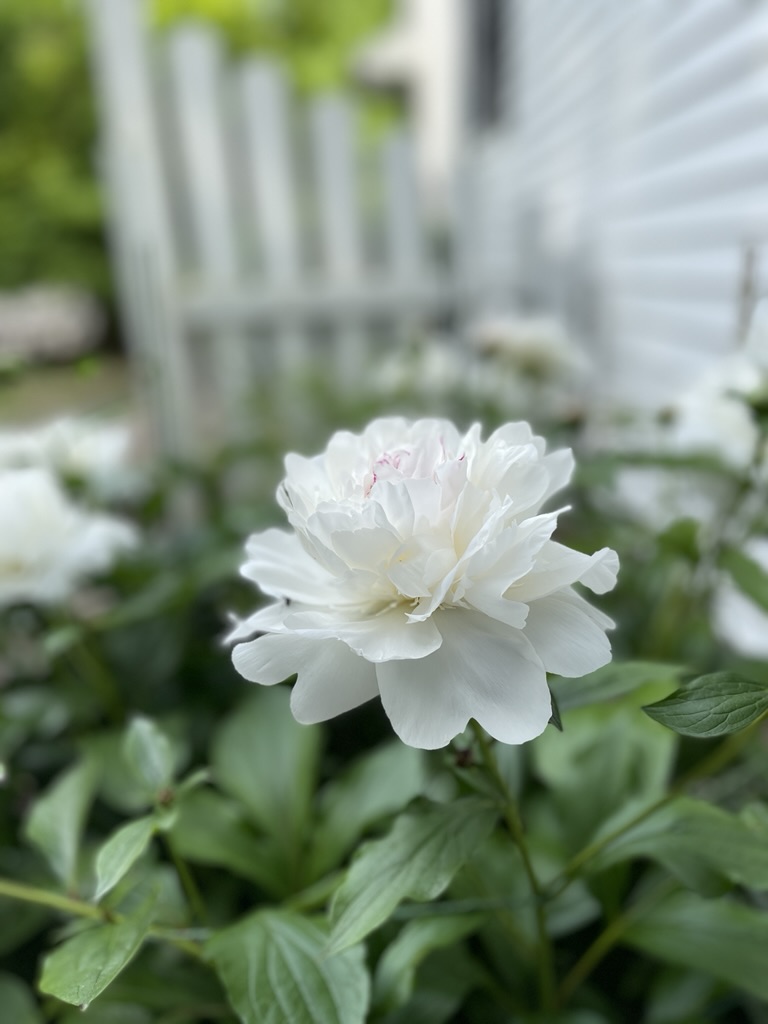
Consider an herb garden…pollinator inviting plants…and what will bring you joy. Color, vibrancy, and plants that will do well in your new garden area.
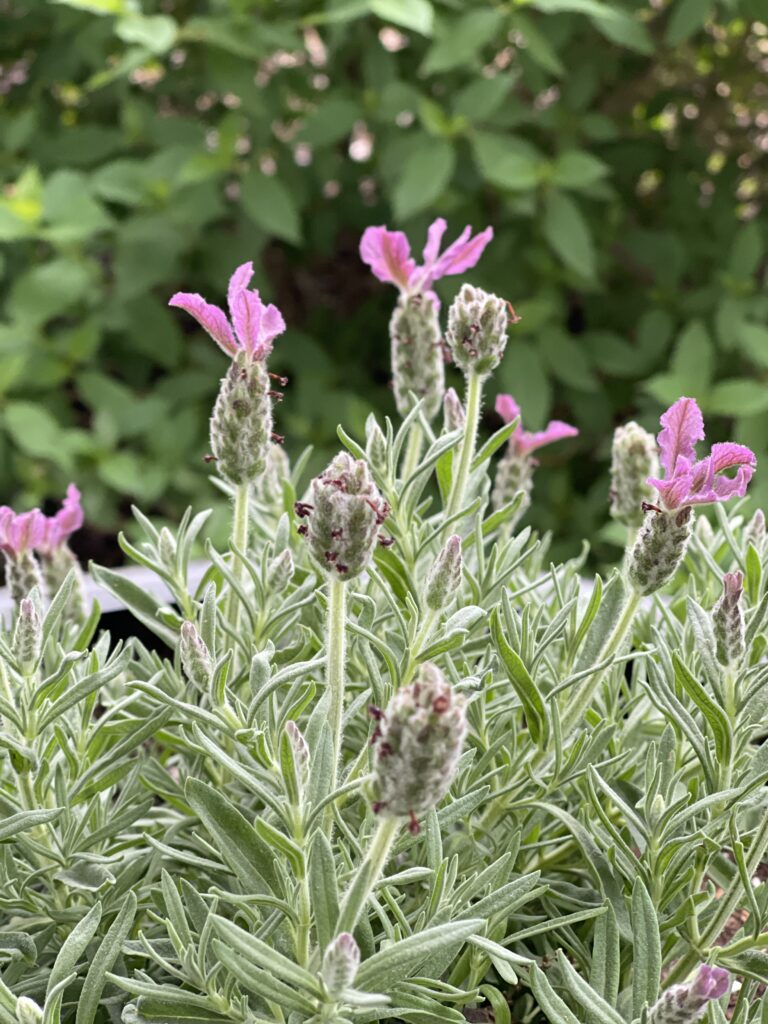
What plants would you choose?
Roses? Hydrangea? catmint? rosemary? lavendar? coneflower? lambs ear? sooooo many choices.
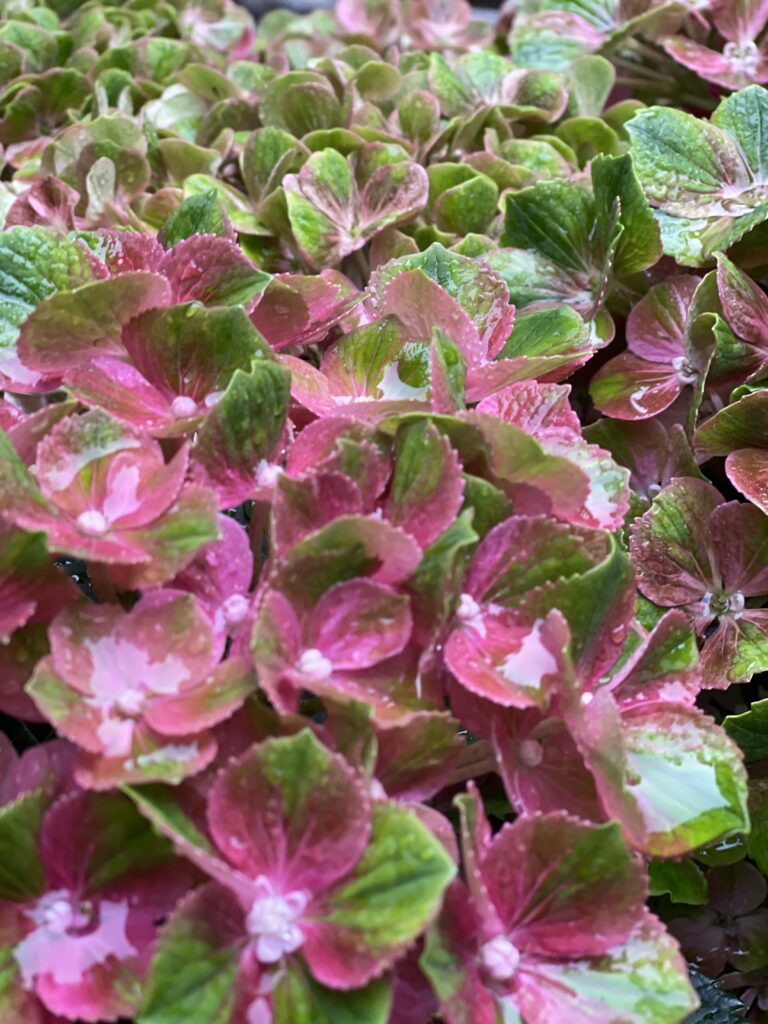
Can I tell you that learning how to plan a garden with AI was some of the BEST inspiration I’ve had in a while?! Wish me luck in planting!
Happy gardening,






4 Comments
Cindy Walker
A huge job well done! AI as a tool definitely seemed to help. Look forward to seeing pics of everything in bloom.
Leslie J Watkins
Thank you, friend. Amazing how clean it looks, especially after the rain..but bare right now. I can’t wait until it fills in and softens everything.
Vickie Ramey
What big job! Can’t wait to see it finished! It will be as beautiful as the rest of your yard!
Leslie J Watkins
Thank you. It needs plants to grow and soften it all. The rain is helping the zinnias to grow and everything planted so far to flourish. Looking for more plants today!